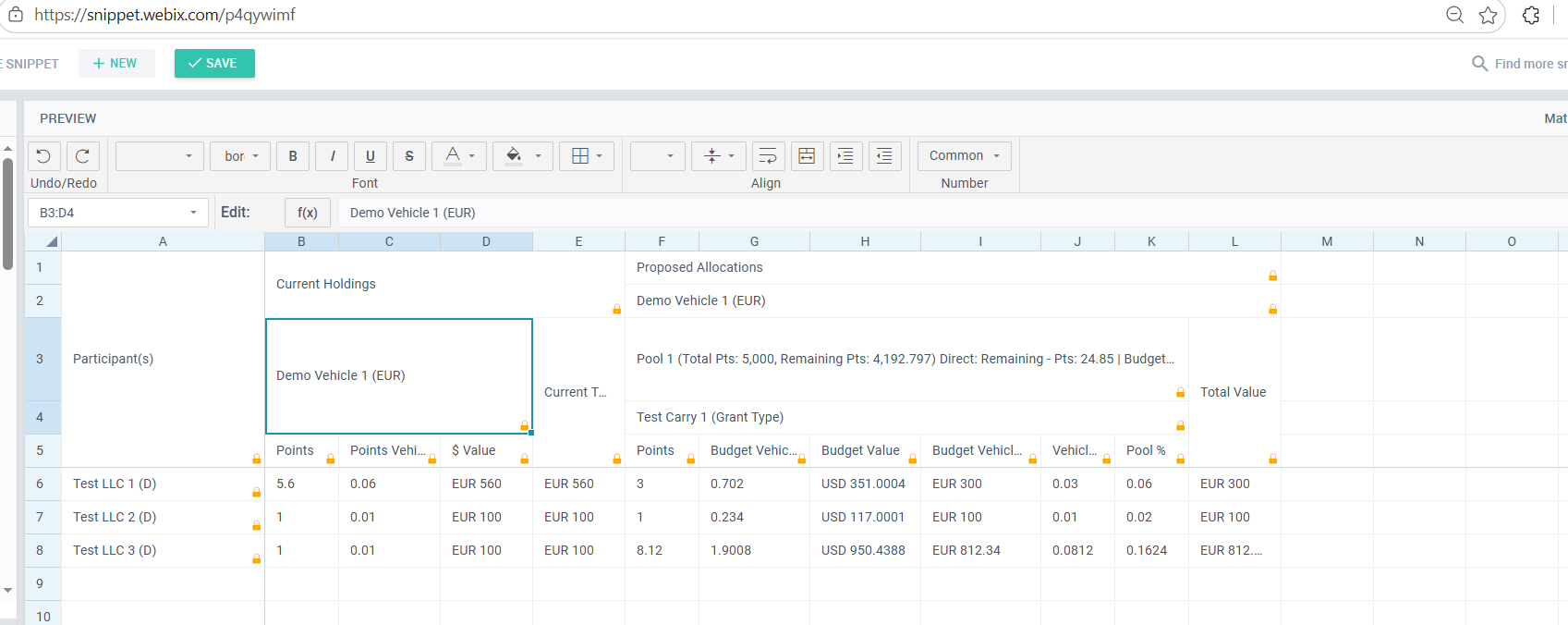
Hi @Mari @Natalia_Shilova @NatashaS
We are facing CSS breakage issue for Spreadsheet widget.
We have seen these issues
- CSS for merged cells is breaking when we scroll horizontally and vertically.
- Cell Edits are not working, the moment we click on cell, the cursor is disappearing instantly.
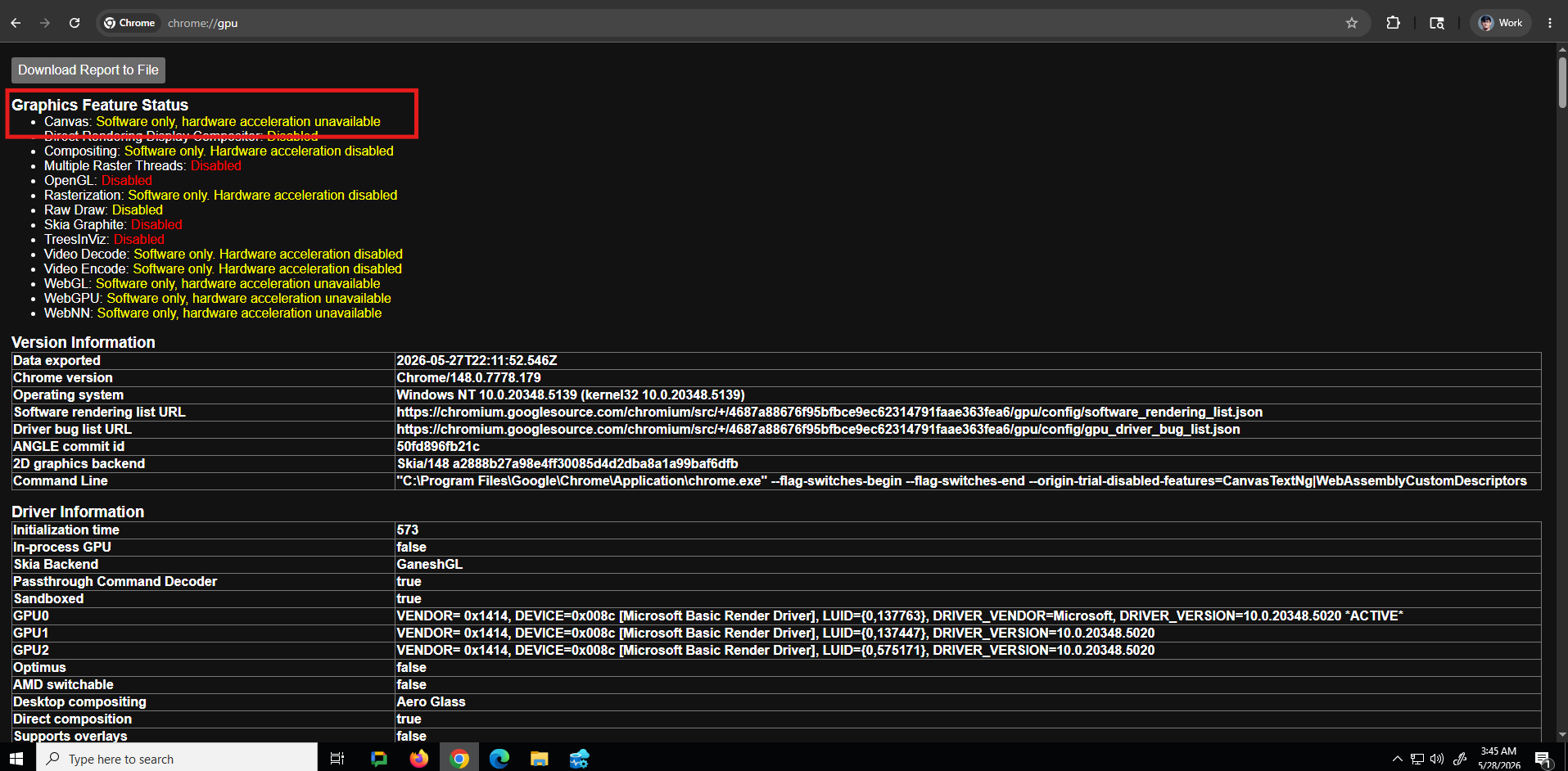
After little research we have seen that spreadsheet depends on one of the browser settings, which helps render widget properly.
Since, we access client sites and workspaces don’t have this enabled, we see this issue.
When we access it from laptops/machines which have GPU enabled, we see it’s rendering as expected.
Hidden some client side data
Setting up all workspaces with GPU is not feasible. So, is there any property/setting that we can use.
Thank you
Hello @Harshvardhan_Gaddam ,
Thank you for the detailed report and screenshots. We’ve investigated the problem locally, but were not able to reproduce the exact same behavior even after disabling hardware acceleration in Chrome. It likely depends on the specific rendering path your client environments use.
I’d like to get more information to diagnose further:
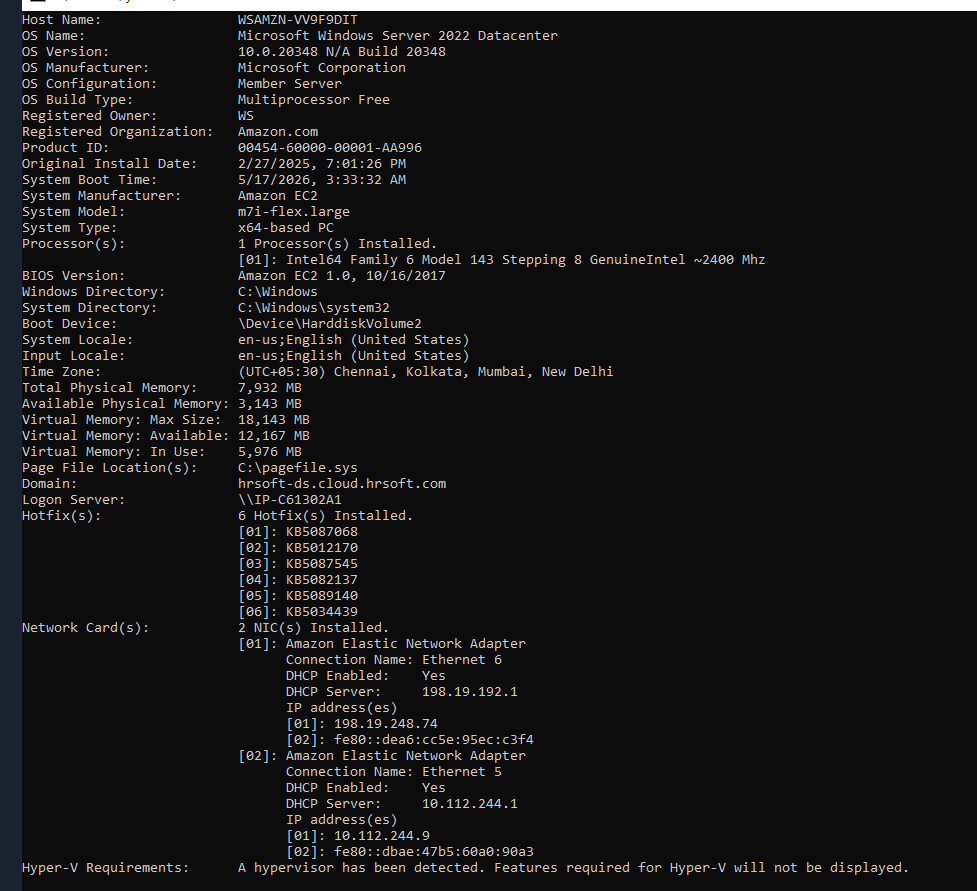
- Environment details
- Browser and exact version (e.g., Chrome 126.0.6478.127) on the affected machines
- Operating System
- Webix version
- Which version of Webix (and the Spreadsheet module) are you using?
- Spreadsheet configuration
- Please share the code snippet where you create the spreadsheet. I’m interested in any custom settings, especially the size of the merged cells, custom editors, or if you’re using heavy custom CSS.
- Also, do you set any
css property on the spreadsheet or use a custom skin?
- Steps to reproduce on your side
- You mentioned that the issue appears when scrolling horizontally and vertically. Does it happen immediately, or only after certain operations (for example, resizing columns, applying a specific style)?
- For the cell editing problem: does the cursor disappear for any cell, or only for merged cells?
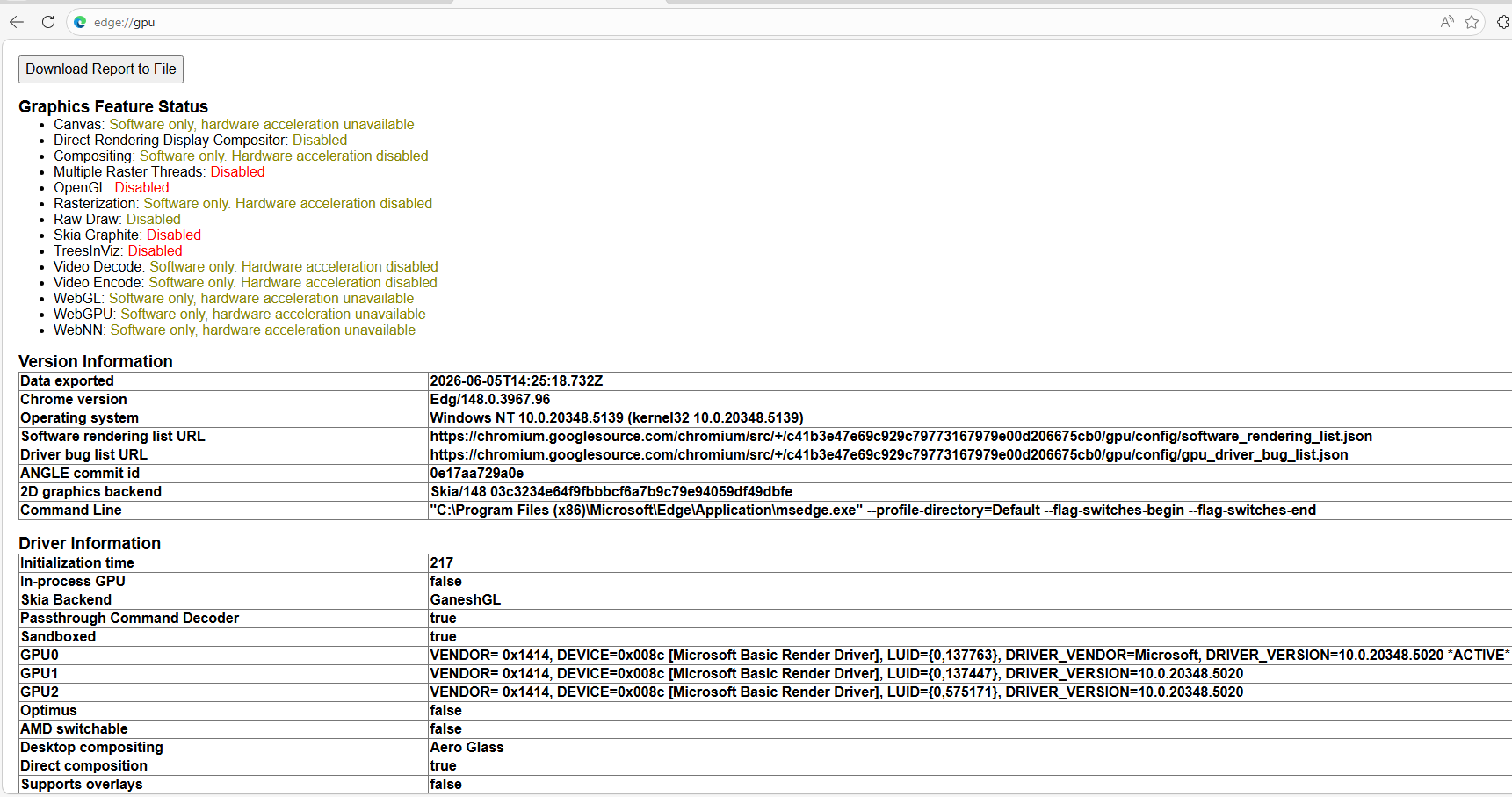
Browser version - Version 148.0.3967.96 (Official build) (64-bit)
Webix version - ‘11.0.1’
 var webixOpts = {
            on: {},
            container: sJQSelector.replace(/#/g, ""),
            id: oJQHnd.attr('id'),
            view: "spreadsheet",
            height: (renderOptions.height == "") ? "auto" : renderOptions.height,
            readonly: renderOptions.readOnly === "true" ? true : false,
            rowCount: renderOptions.rowcount ? parseInt(renderOptions.rowcount) : 1,
            columnCount: renderOptions.columncount ? parseInt(renderOptions.columncount) : 3,
            toolbar: renderOptions.toolbar === "true" ? "full" : false,
            liveEditor:renderOptions.liveEditor === "true" ? true : false,
            bottombar:renderOptions.bottomBar === "true" ? true : false,
            false:false
        };

webixSpreadSheet = webix.ui(webixOpts);
Size of merge cells is dynamic ranging, minimum columns we freeze is 4.
We define basic css styles like background-color, font-size etc and then we apply those with SetCellStyle to these merged cells, no custom skin.
Issue appears when scrolling horizontally and vertically immediately after the spreadsheet is rendered, no resizing of columns is done.
For the cell editing problem, it happens on normal cells, merge cells are not editable.
We attempted to reproduce the problem under similar conditions: the same Chrome version (148) and Webix version (11.0.1), with hardware acceleration completely disabled in the browser, using a spreadsheet configuration close to yours: dynamic size, toolbar, merged cells, frozen columns.
Unfortunately, we were unable to trigger either the visual defects during scrolling of merged cells or the disappearing cursor during editing. Because we could not obtain a reliable reproduction, we are not in a position to confidently propose a workaround, as any change made without being able to test it would be unreliable.
To help us investigate further, could you provide the following if possible:
- A screen recording with the browser console open, showing the issue as it occurs and any errors that appear in the console.
- Any relevant data or configuration details that you think might help us isolate the problem.
- Ideally, a minimal project or simplified page that reproduces the issue on your affected workspace. This would be incredibly helpful for our debugging.
Please run this with configurations that are added.
https://snippet.webix.com/p4qywimf
Workspace Configuration
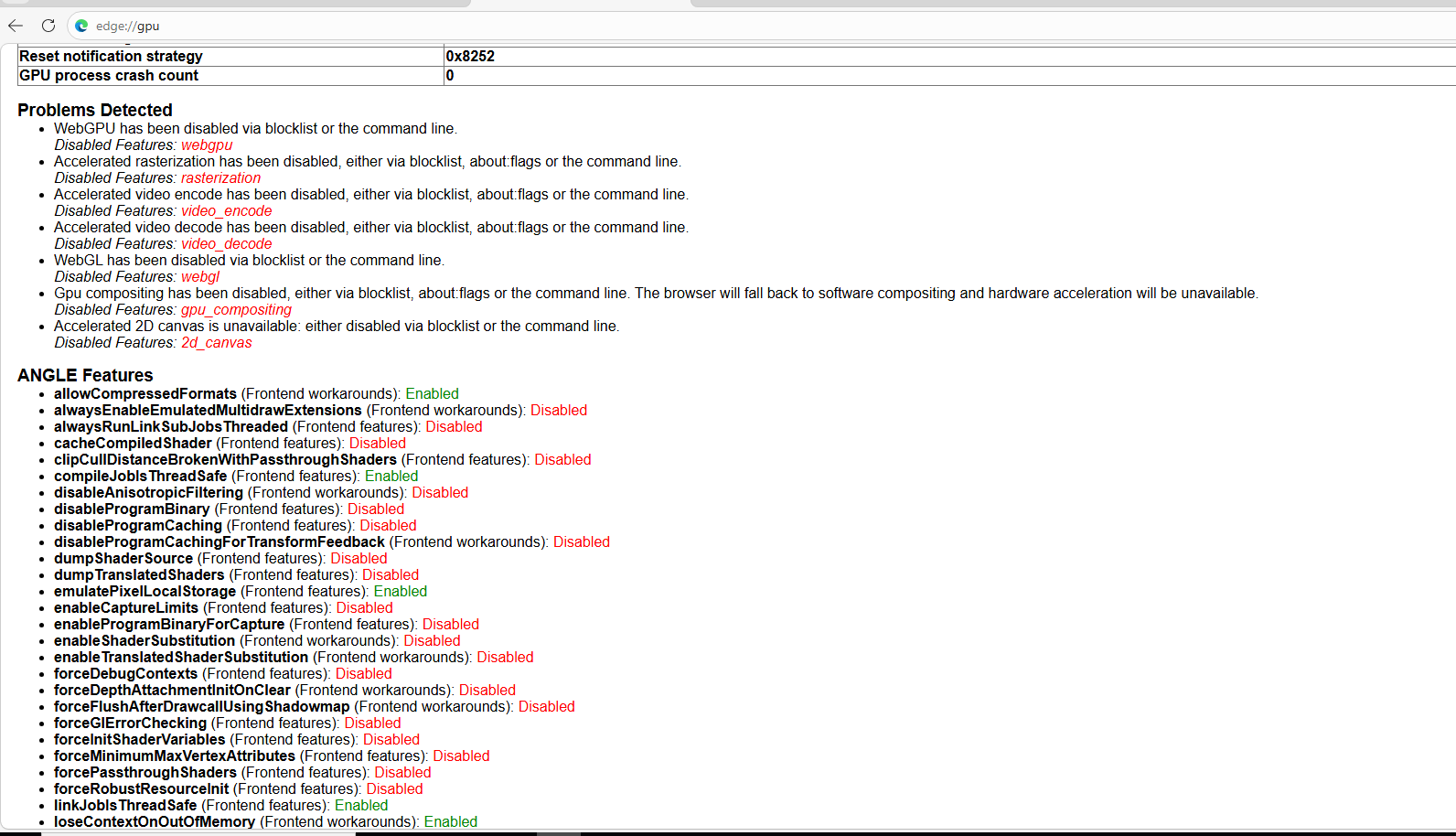
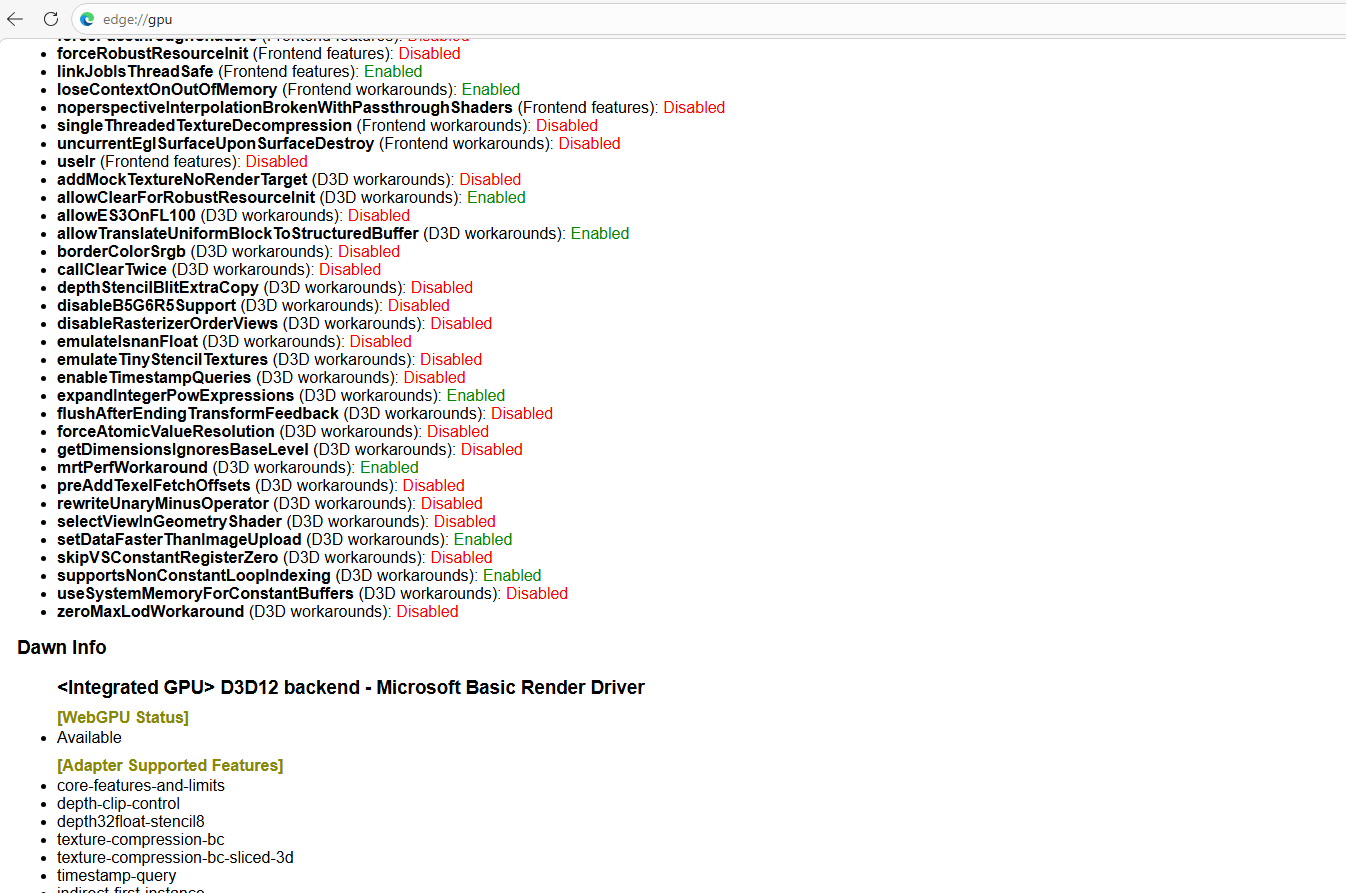
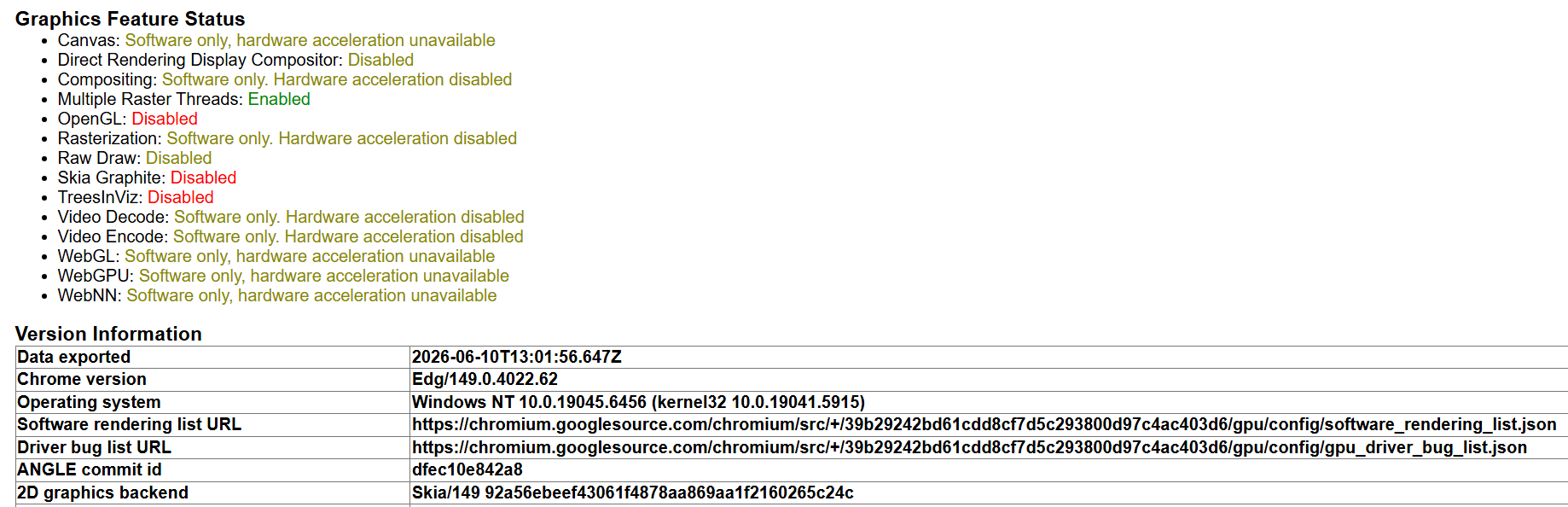
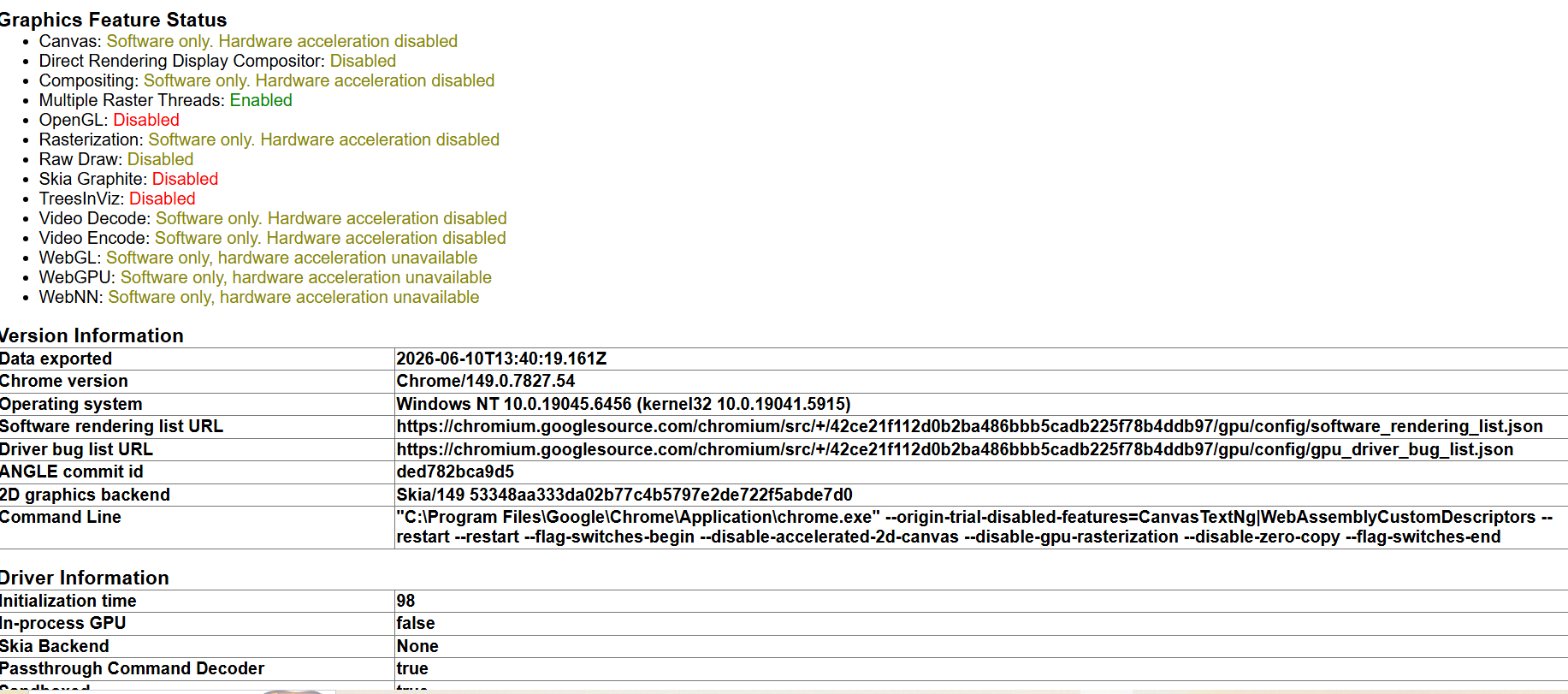
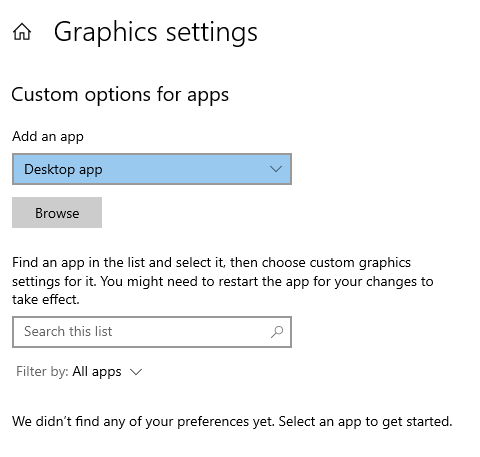
System Graphic Settings
No Graphic related setting available for this machine
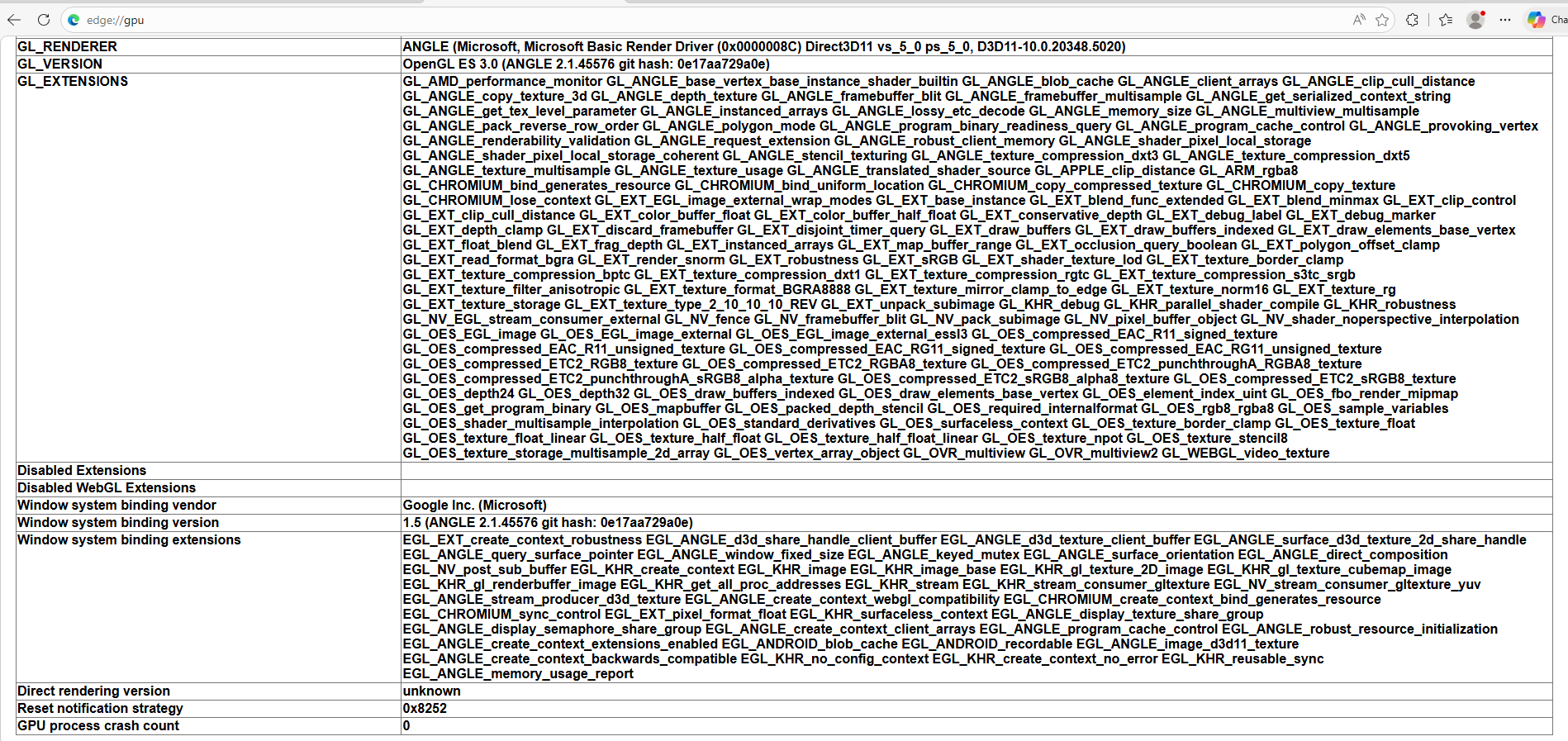
Browser GPU settings
If below screenshots are not helpful, I can send browser settings file to mail id if provided.
Hi @Natalia_Shilova
Do we have any update on this?
It’s kind of a blocker for client, any update on this is really appreciated.
Thank you !
Hello @Harshvardhan_Gaddam ,
I fully understand this is a blocker for your client.
I have done testing on my end to reproduce the issue. I disabled hardware acceleration in both Chrome and Edge (via settings and command‑line flags), but everything worked correctly, no visual glitches, and editing cells was smooth. I’m attaching screenshots showing the normal behaviour on my side.
Because I can’t reproduce the issue in my environment, I suggest that the problem is not a general bug in webix or in Chrome itself, but something specific to your client’s environment. So, unfortunately, I’m limited in providing a code change.
Thanks, will check on client machine.
Hi @Natalia_Shilova
Quick question regarding the sequencing of Spreadsheet generation operations.
Does changing the order of execution alter the final layout behavior?
Specifically, we are looking at these two approaches:
- Freezing rows/columns first, and then executing
setCellValue().
- Executing
setCellValue() first, and freezing rows/columns afterward.
We want to ensure that switching this beaviour is not related to the sequence of operations.
If there is an established best practice we should follow here, please let us know.
Thank you!
Hello @Harshvardhan_Gaddam ,
Yes, the order can matter but only for merged cells (spans).
For plain cell values (setCellValue ) the sequence is irrelevant.
However, because of how frozen panes interact with spans, the recommended way is to populate data and define all spans first, then freeze rows/columns.
The order matters for spans because freezeRows / freezeColumns can truncate any span that would cross the frozen boundary. New spans created after freezing (for example, via combineCells ) can span across the frozen and scrollable regions, leading to broken layout.
Please check the example with the correct order ( span first , then freeze): Code Snippet
The wrong order (freeze first , then span): Code Snippet
Therefore, it is better to create spans first, then freeze.
As for setCellValue, cell values are independent of the frozen state so refreshing the grid during freeze will redraw them correctly regardless of order.
We are setting spans, then setting data and at the last we are freezing.
1 Like