Hello songyl,
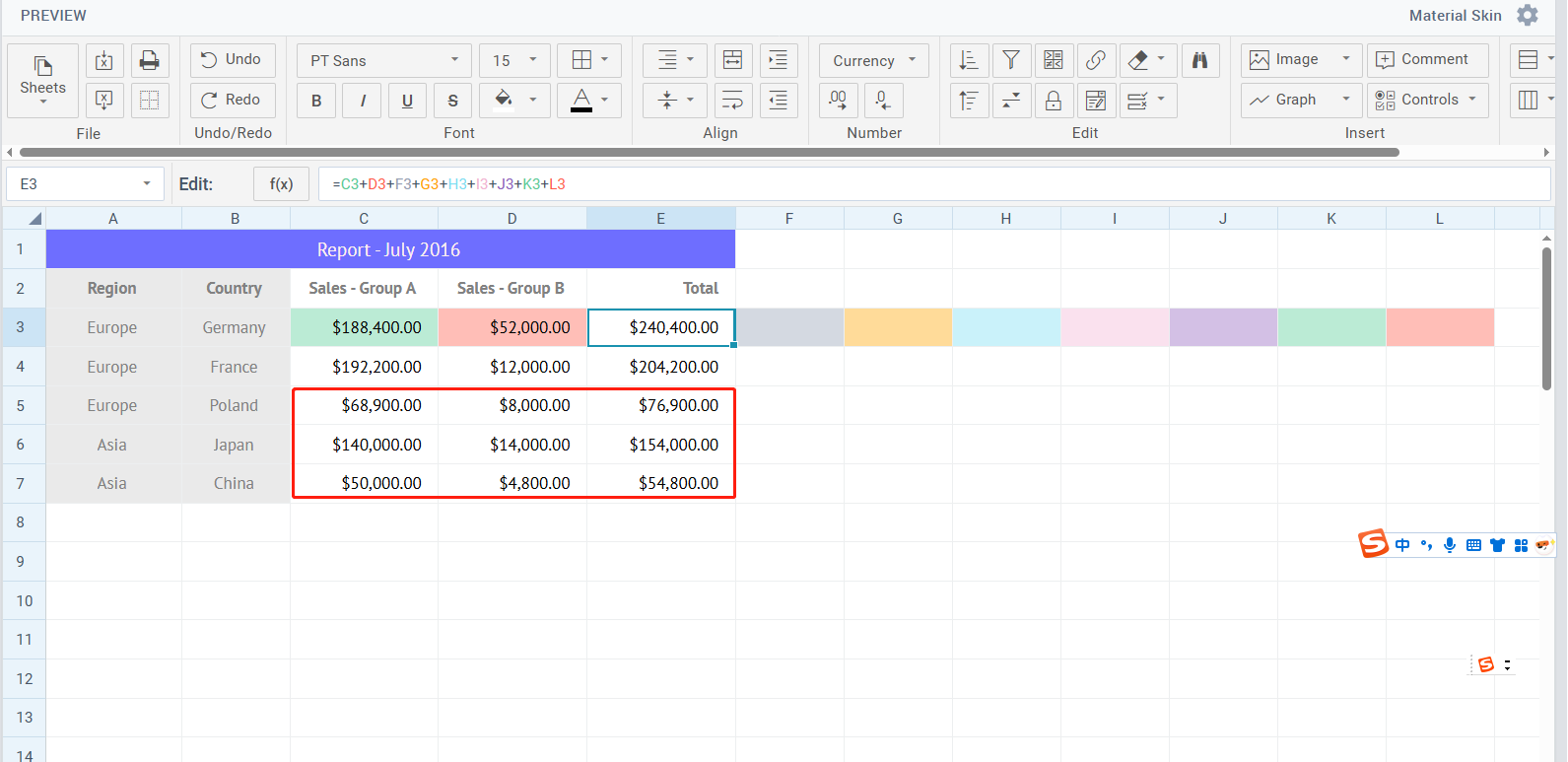
To highlight a specific area in a spreadsheet you can use addStyle and setStyle methods with the help of which you can define and set styles for a spreadsheet cell.
Using datatable method mapCells you can loop through a range of cells you need.
You can get access to the datatable in a spreadsheet this way:
const table = sheet.$$("cells");
To show a prompt text near this area you can create window view and with setPosition method show it near the area you need.
Please check the example: Code Snippet
Also I would like to add that if you want users to always have access to the hint, we have a feature called comments. You can add comments to specific cells, allowing users to refer back to the information whenever needed.