Regarding your issue with leading blank columns or rows, a similar issue and solution to this problem has already been discussed here.
As for this question:
Does upgrading to a newer Spreadsheet version improve this behavior, or is adding a placeholder value in Excel the only recommended solution?
I recommend checking out the sheetStubs property introduced in the latest versions. This property allows you to keep the styles in empty cells when loading Excel files, which might resolve the layout issues you’re experiencing.
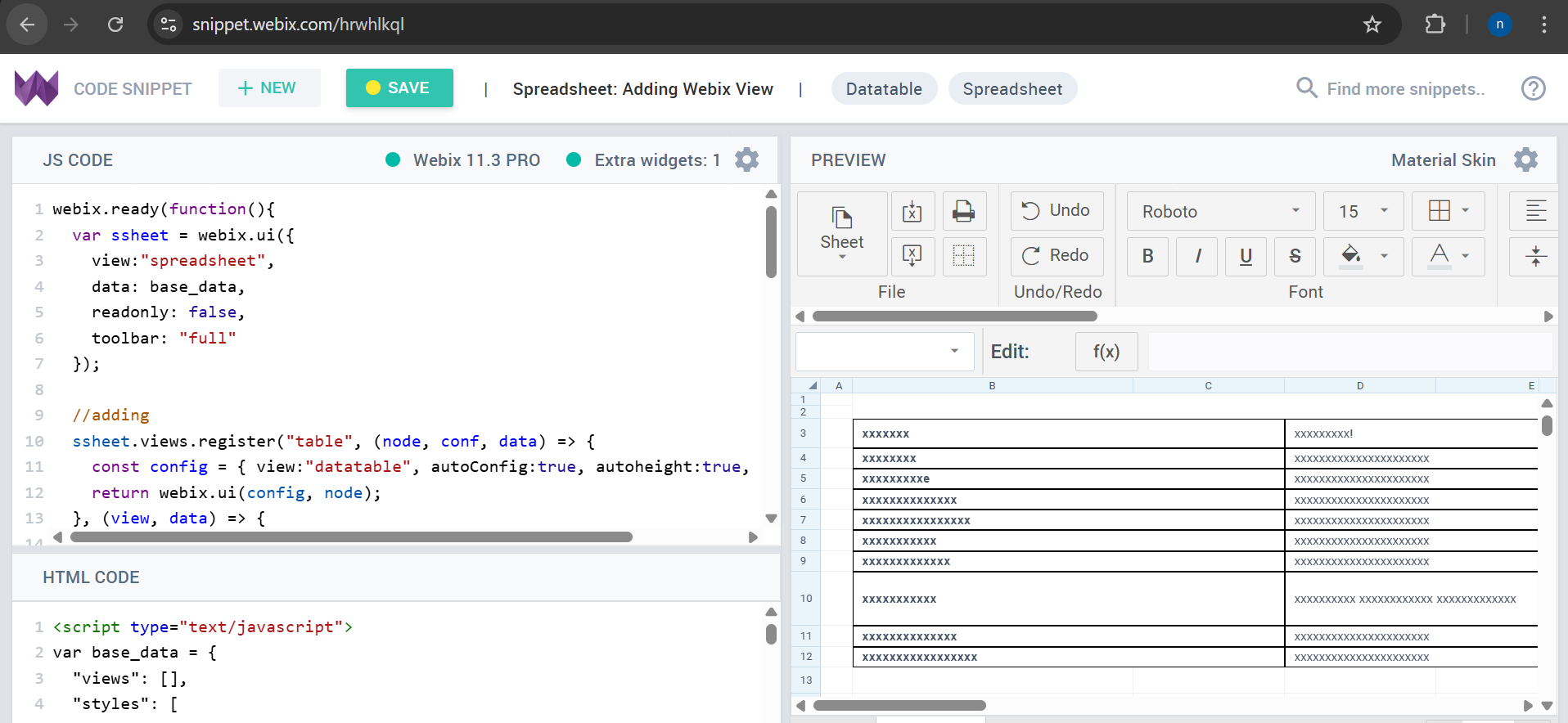
You can try this example to see if it helps with your problem: Code Snippet
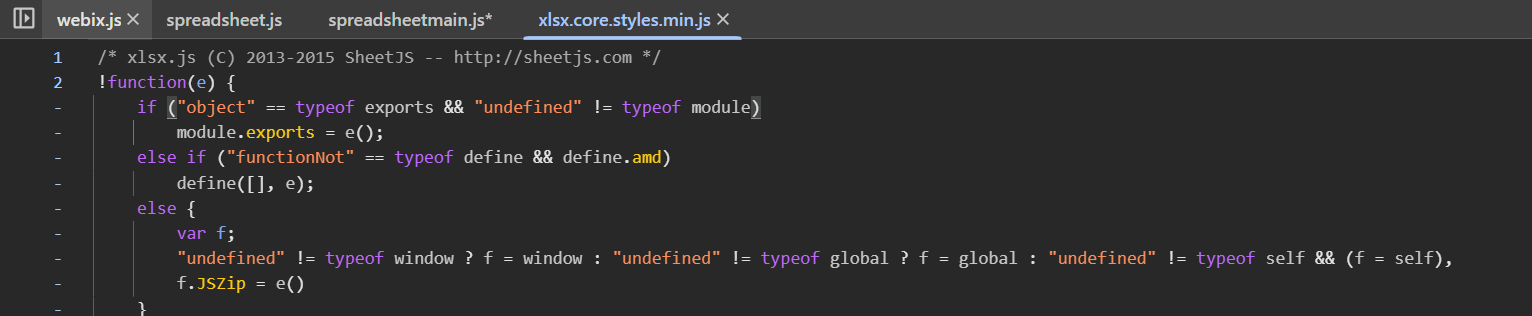
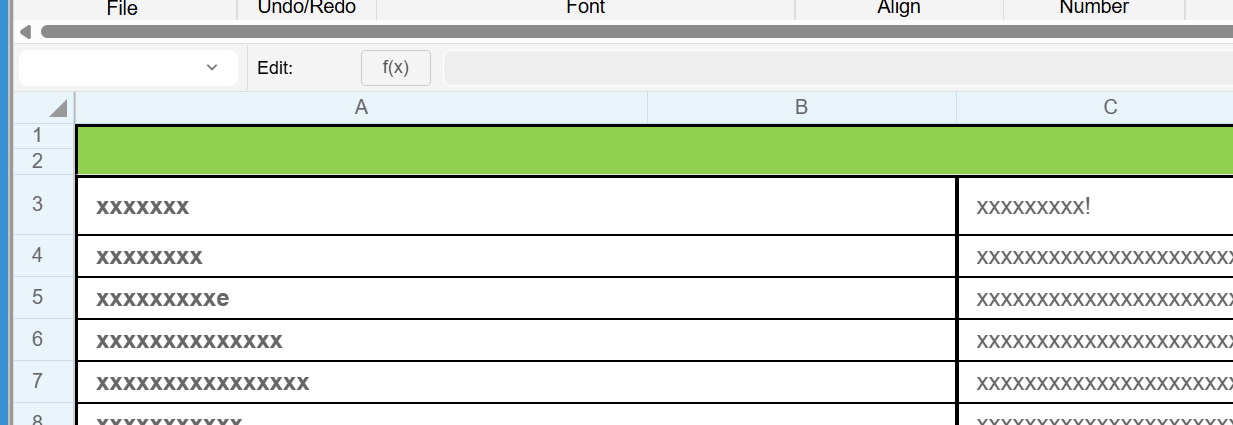
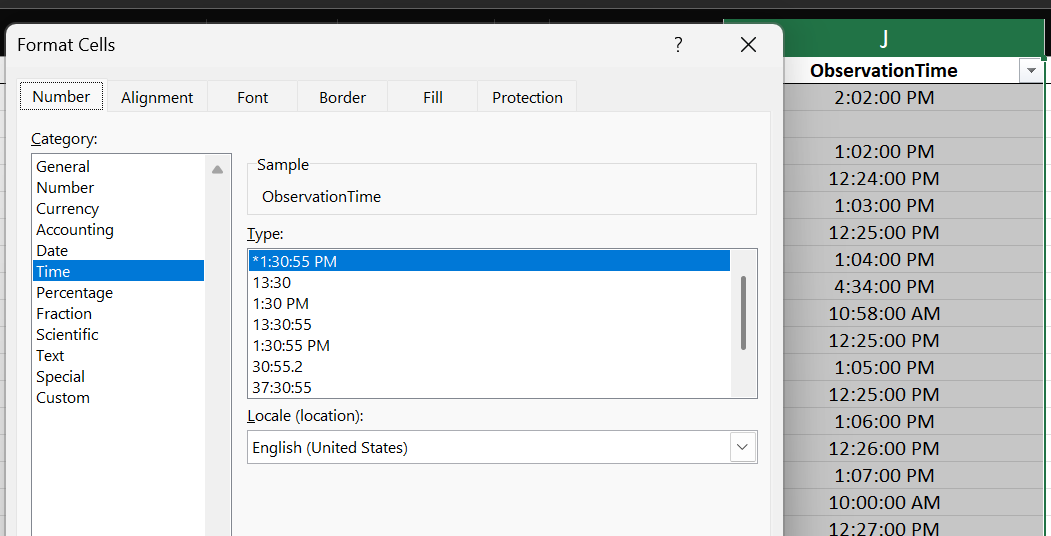
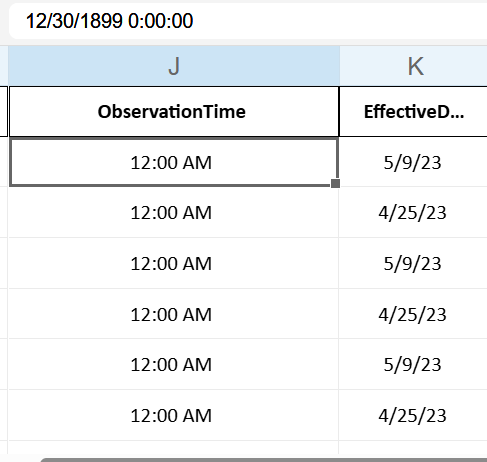
I also included the xlsx.core.styles.min.js file that you shared earlier in the chat. However, I am still seeing the Excel output formatted incorrectly in my application, as shown in the screenshot below.
Could you please let me know if I’m missing any configuration or if there’s something else that needs to be adjusted?
Hello @Abhishek_Reddy ,
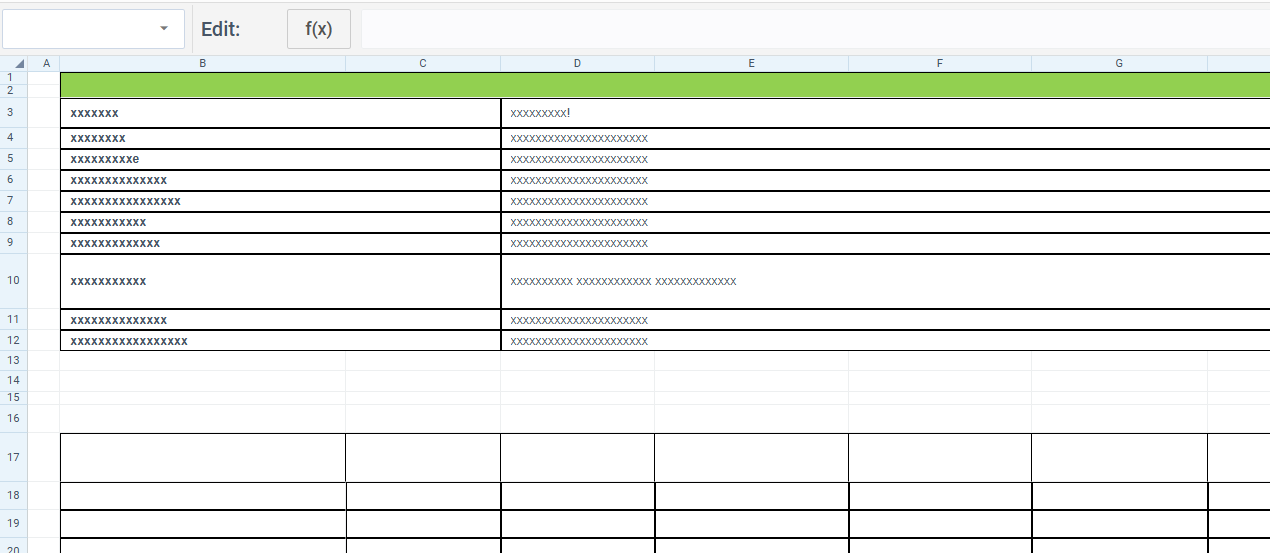
As I could see from your screenshots your file is imported as expected in the example that you have linked ( Webix v.11.3 ), but you need help now with the 11.0.3 version.
To help you, could you please send us your file that is not loaded correctly for the tests ( you can attach it here or send me in the private messages ) ?
And what do you use for the Excel import that fails ( a button in the Spreadsheet toolbar / parse() or load() function, import by a url, etc.?
Thank you for providing a file.
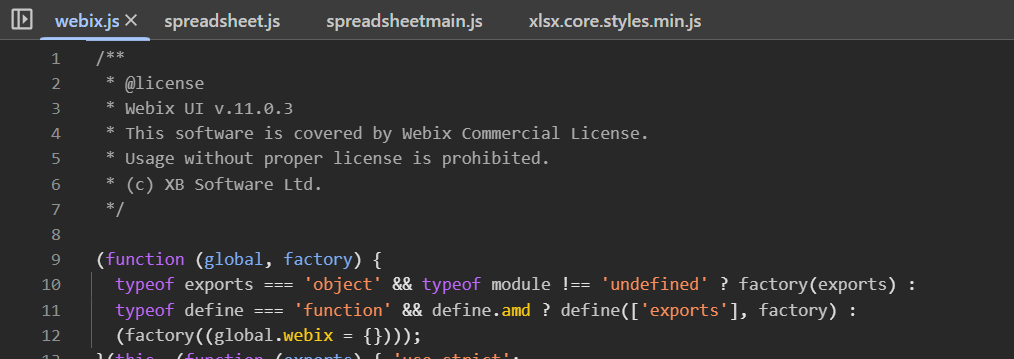
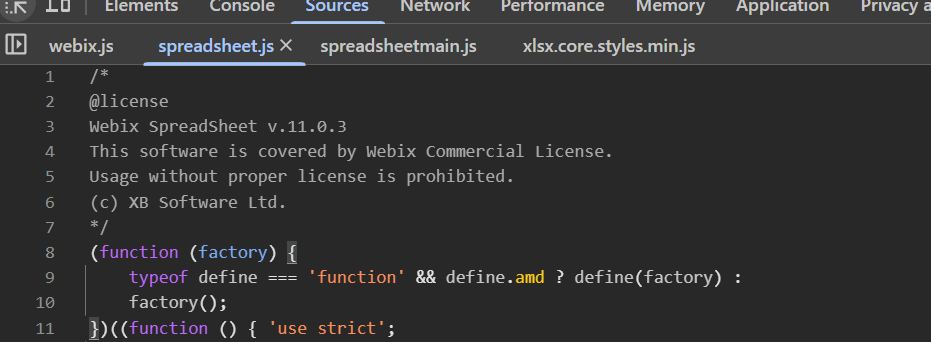
I have tested it with the Webix 11.0.3 mentioned by you earlier. You could also check it here: Code Snippet .
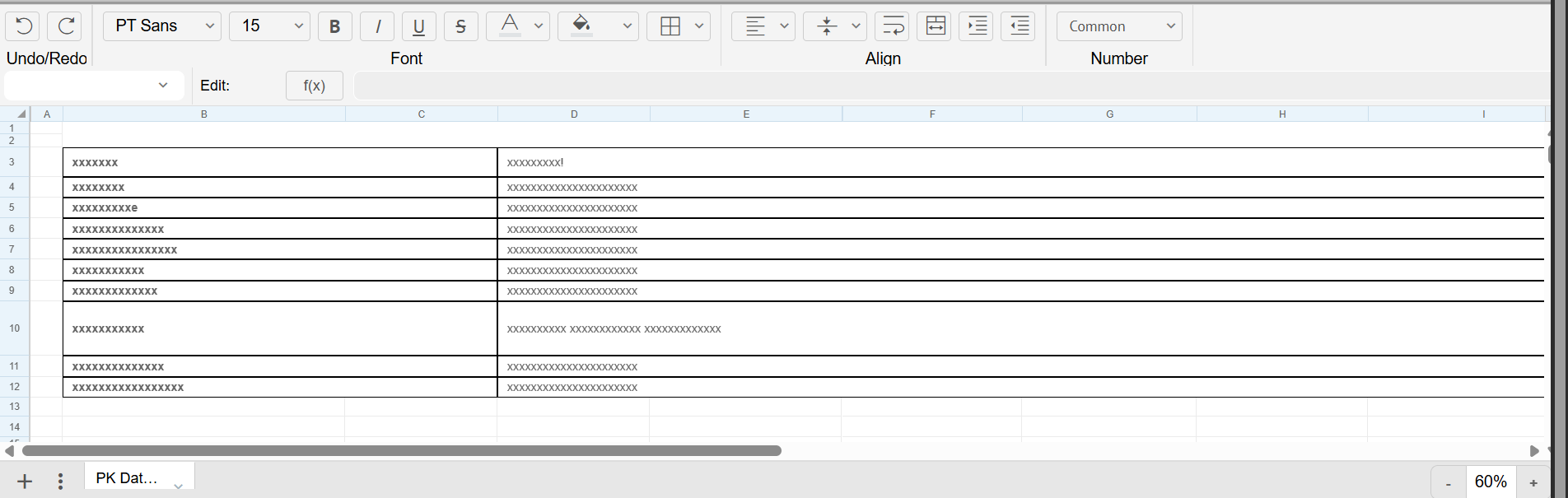
The result that should be seen if a sheetStubs setting is enabled and the file is imported by a toolbar button:
Could you please test this example on your device as well?
As you could see the layout including the blank columns should be visible after the import.
To achieve the same in your project, please:
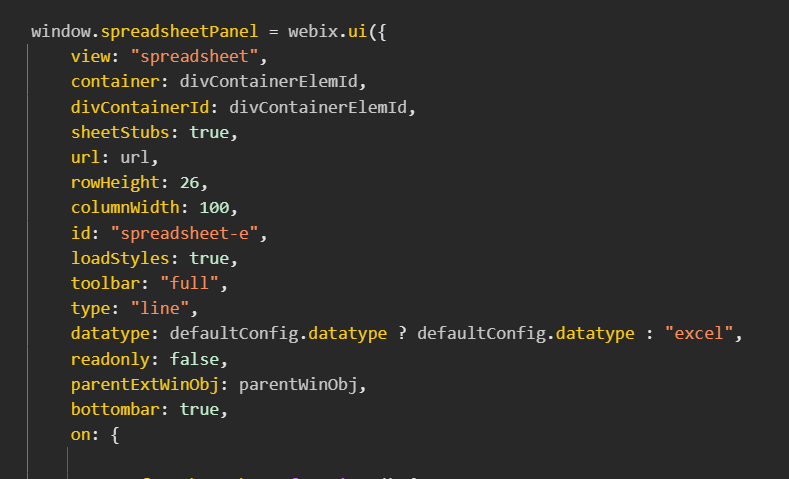
enable a sheetStubs setting
in the example the import resources are requested from our cdn, which is a the default behaviour ( so no need to add a suggested earlier xlsx.core.styles.min.js and you can omit placing the resources locally )
Additionally, as you also load the Excel file initially by a url, for this case you could define a custom proxy to add missing settings: Code Snippet .
Alternatively, you could redefine a parseData method of the excel DataDriver: Code Snippet .
So could you please Help me to get the styles exactly
Since you use sheetStubs:true, there is no need to add a suggested earlier xlsx.core.styles.min.js and you can omit placing the resources locally. Please just comment out the line webix.env.cdn = "..."; in your code. With setting sheetStubs:true everything should work fine.
Also could you check if the latest version of the spreadsheet loads the file correctly with the basic configuration in your environment?
Please use our snippet for testing: Code Snippet
Regarding the date format issue, by default, the entered date should correspond to the specific format declared in the locale settings.
To change the default date format, you can modify the locale settings in your code. Here’s an example of how to do this: Code Snippet
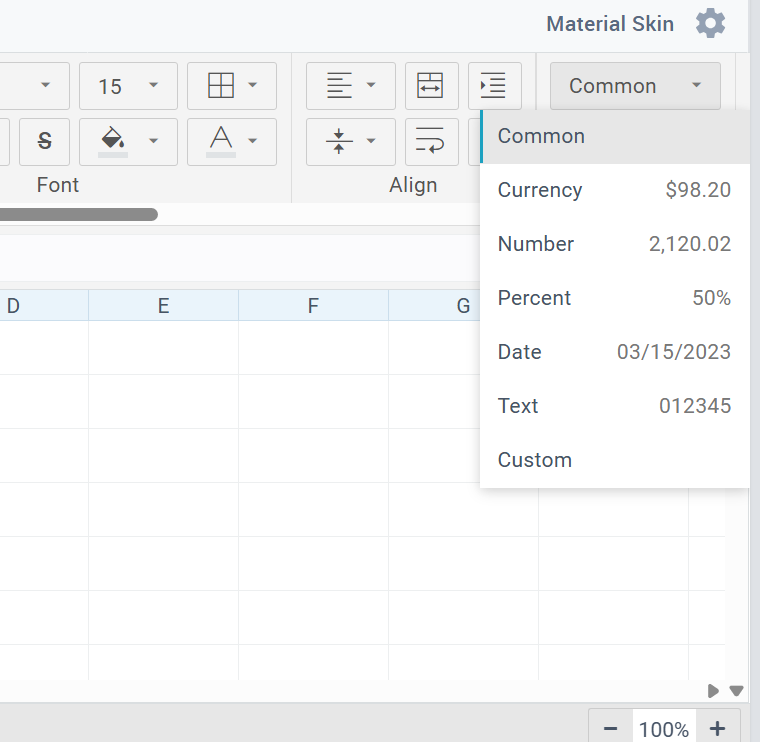
Additionally, you can select the format for data visualization of specific cells using the toolbar in the UI. For more details on how to change formats via the UI, please read User guide on formatting dates and Documentation on date format.